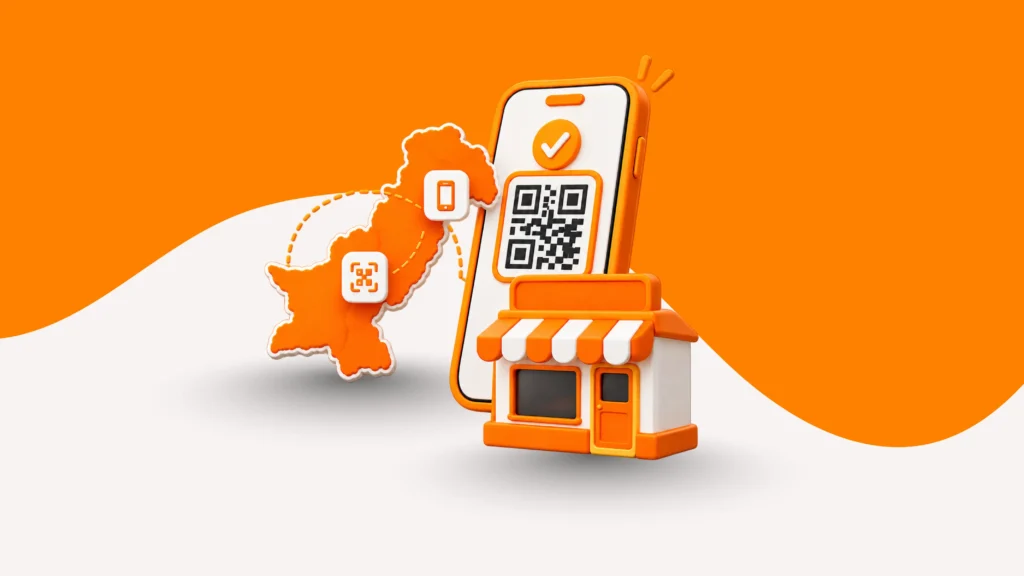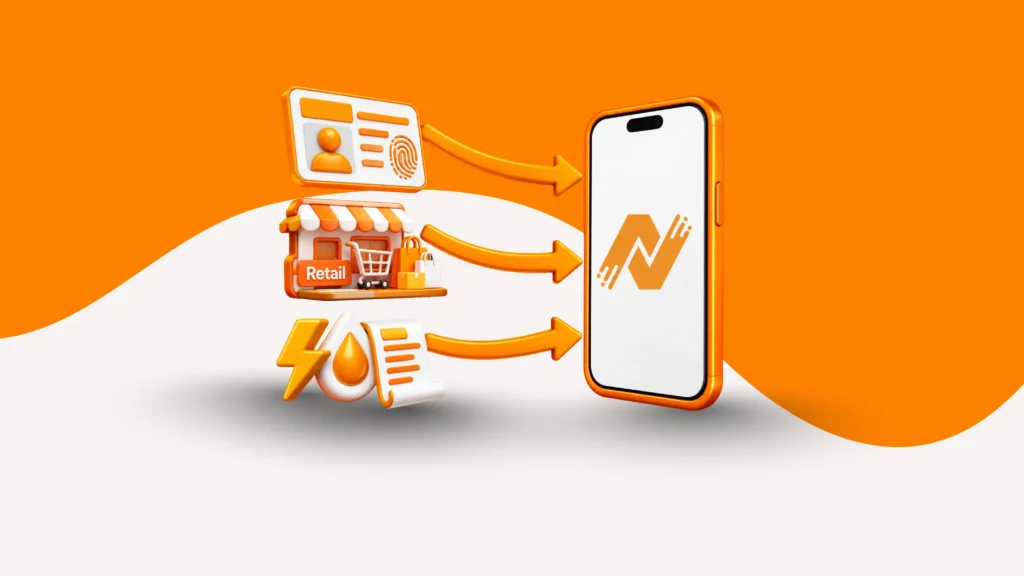
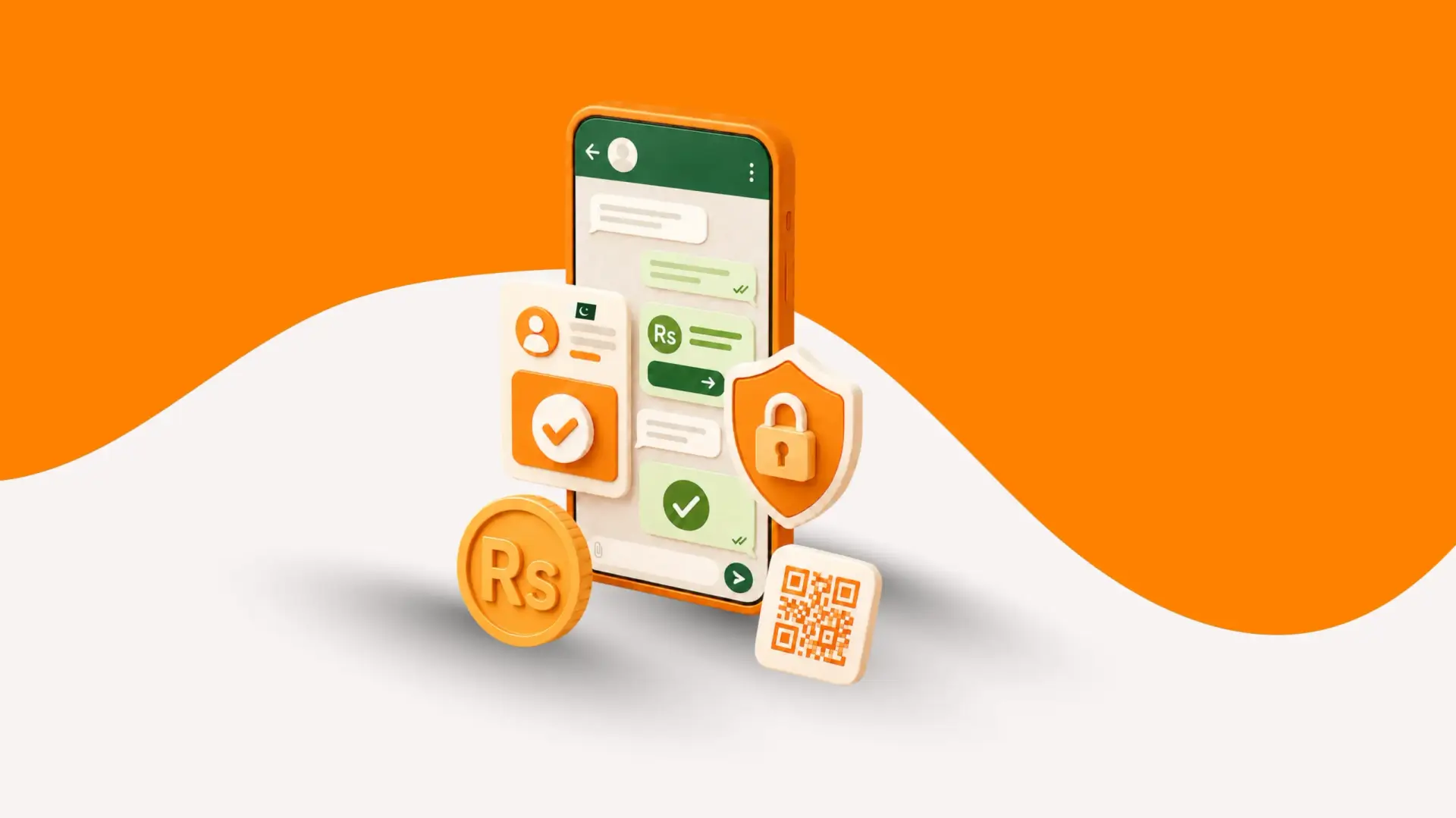
A customer messages you on WhatsApp. They ask about your product. Then, they say, “I’ll pay now.” What happens next usually decides the sale. WhatsApp Payments in Pakistan solve this exact moment. With AssanPay, payment options show up right inside the chat. As a result, the customer pays without ever leaving WhatsApp.
In this guide, we cover what WhatsApp Payments mean in Pakistan. We also explain how the process works and how to set it up with AssanPay.
What Are WhatsApp Payments in Pakistan?
WhatsApp Payment solutions in Pakistan let a business collect money without ending the chat. The customer sees payment options. Then, they pick one and pay right there.
First, let’s clear up a common misconception. WhatsApp does not currently offer a native in-chat payment button for local payments in Pakistan. Instead, businesses can use a licensed gateway like AssanPay to connect WhatsApp Business with a secure whatsapp payments experience.
Once connected, customers can choose their preferred payment method when they’re ready to purchase. Meanwhile, AssanPay processes the transaction securely in the background, while the conversation continues without unnecessary payment steps.
Introducing AssanPay WhatsApp Payments
AssanPay built WhatsApp Payments for businesses whose sales already start as a DM or a chat inquiry. Rather than asking merchants to redirect customers to a separate site, AssanPay places the checkout step where the conversation is already happening. It supports one-time sales, recurring billing, and everything from WhatsApp payment for eCommerce orders to gym memberships, tuition collection and subscription based with each transaction automatically reconciled against the original order in the merchant dashboard.
In addition, the service is built on the same compliance-ready infrastructure as AssanPay’s broader payment gateway, meaning WhatsApp checkout carries the same encryption and settlement guarantees as a standard card or bank-linked transaction.
How Do WhatsApp Payments Work?
The process happens in four simple steps:
- First, a customer messages you on WhatsApp with a question about your product.
- Next, once they’re ready to buy, the available payment methods appear inside the same chat.
- Then, the customer taps their preferred option and completes the payment right there.
- Finally, you both get confirmation, and the transaction logs automatically in your AssanPay dashboard.
As a result, because the customer never leaves the chat, fewer people drop off between “I want this” and “I paid for this.”
How to Set Up WhatsApp Payments?
Setting this up takes a few steps. Importantly, most merchants finish in one sitting:
- First, register as an AssanPay merchant. Submit your CNIC and business documents for verification.
- Next, link your settlement account. This is where your money lands after each payment clears.
- Connect your WhatsApp Business number. AssanPay ties it to your merchant profile automatically.
- After that, choose your payment methods. Pick from Raast, JazzCash, Easypaisa, Zindigi, or IBFT.
- Finally, go live. Once approved, payment options start appearing in your chats right away.
For a detailed step-by-step process, see our guide on How to Integrate WhatsApp Payments With Your eCommerce Store?
Since AssanPay’s onboarding is built around fast KYC rather than lengthy paperwork.
How Payments Happen Inside the Chat?
You don’t create or send a separate payment link for every sale. Instead, once your account is set up, AssanPay shows the right payment options automatically whenever a customer is ready to pay.
For example, here’s what that looks like in practice. A customer asks about your product, and you confirm the price. Then, the payment options appear in the same chat window. The customer taps one, whether that’s Raast, a wallet, or a card, and pays right there.
Similarly, this flow stays the same for a single sale, a membership fee, or a partial deposit.
Features of AssanPay WhatsApp Payments
- In-chat payment options: that appear automatically when a customer is ready to buy.
- Multiple settlement rails: covering Raast, Easypaisa, JazzCash, Zindigi, and IBFT.
- Support for recurring billing: useful for gyms, tuition centers, and subscriptions.
- Automatic transaction logging: so every payment matches its order in your dashboard.
- Encrypted checkout: which keeps sensitive details safe.
Benefits of WhatsApp Payments for Pakistani Businesses
- You close more sales: Fewer steps between interest and payment means fewer buyers lose momentum.
- You get paid faster: Raast settles instantly, so you don’t wait days to confirm an order.
- Better recordkeeping: Instead of screenshots of bank receipts scattered across chats, every transaction lands in one dashboard, matched to its order.
- You look more credible: A proper checkout screen builds more trust than a shared account number.
What Payment Methods Can Customers Use?
With AssanPay, customers can choose from different payment methods based on what they already use. Depending on the payment options enabled for your business, they can pay through WhatsApp using:
- Raast QR
- Visa & Mastercard
- 1LINK
- 1BILL
- Easypaisa
- Jazzcash
- Zindigi
- SahulatPay
- IBFT
Therefore, offering multiple payment methods gives customers more flexibility at checkout. For example, one customer may prefer Raast, while another may already use Easypaisa or JazzCash. If you offer only one payment option, customers who do not use it may have to look for another way to pay or abandon the purchase altogether.
Why Raast Powers WhatsApp Payments in Pakistan?
Raast is Pakistan’s instant payment system, operated by the State Bank of Pakistan. It lets customers send money directly from their bank accounts within seconds. In addition, customers can also use their mobile numbers to make payments, which makes the process easier.
This speed matters for digital payments through WhatsApp. When a customer pays through Raast, the payment clears almost instantly. As a result, you see a “paid” status on your dashboard within moments, and the conversation keeps moving instead of stalling on “let me confirm I got it.”
Why AssanPay Is the Right WhatsApp Payment Partner?
With AssanPay, WhatsApp becomes more than a communication channel. Merchants can use it to send payment requests, confirm incoming payments, and keep transaction records connected to their orders. At the same time, the dashboard gives businesses a clear view of WhatsApp payments for online businesses without managing transactions across multiple systems.
In addition, a few things set it apart:
- No setup or integration fee, so you don’t pay anything upfront.
- Local rail coverage, including Raast, JazzCash, Easypaisa, Zindigi, SahulatPay, and IBFT.
- One dashboard for everything, so you can match every transaction to its order.
- 24/7 support, because chat-based selling doesn’t stop at 5 p.m.
- Cashless Convenience: Reduce the need to manage, store, and reconcile physical cash.
Conclusion
Most of your sales conversation with a customer probably already happens on WhatsApp. However, what’s usually missing is a clean way to finish the sale. AssanPay’s WhatsApp payment solution for merchants fill that gap. Raast, wallets, and cards all become available right inside the chat. As a result, you settle faster, track every transaction properly, and stop losing buyers at the last step.
Ready to automate payments on WhatsApp? Skip the manual screenshots and start accepting direct payments inside your customer chats. Contact our team today to set up WhatsApp payments for your business
Frequently Asked Questions
1. What exactly are WhatsApp Payments in Pakistan?
They let a business show payment options inside a WhatsApp chat, so the customer can pay through a connected WhatsApp payment gateway in Pakistan like AssanPay without switching apps.
- A licensed gateway processes the payment, not WhatsApp itself.
- Supported multiple payment methods.
- The buyer stays in the same chat from question to confirmation.
2. Which businesses can use WhatsApp Payments?
AssanPay WhatsApp Business payment solution can support businesses that manage customer interactions through WhatsApp, including eCommerce stores, social sellers, restaurants, subscription businesses, educational services, freelancers, and professional service providers.
3. Which payment methods can customers use through AssanPay’s WhatsApp Payments?
Customers can choose from several local options, depending on what you’ve enabled.
- Raast, for free, instant bank transfers.
- JazzCash, Easypaisa, and Zindigi wallets.
- SahulatPay and IBFT bank transfers.
4. Is it safe to pay through WhatsApp Payments with AssanPay?
Yes. AssanPay runs every transaction on encrypted, compliance-ready infrastructure.
- First, you enter payment details on a secure screen, not in the chat itself.
- The system logs transactions automatically for easy reconciliation.
- The same security standards apply across every AssanPay payment channel.
5. What does it cost a business to accept WhatsApp Payments through AssanPay?
There’s no setup or integration fee. You only pay a per-transaction rate based on the payment method the customer uses.
- You don’t pay anything upfront to get started.
- Fees vary slightly depending on whether the customer pays by wallet, QR code, or bank transfer.
- You can check the exact rates for your account directly through AssanPay.